Junie Local Comes to the NVIDIA RTX Spark
Summary
Junie Local is supported on the NVIDIA RTX Spark from day one, and Windows support moves from experimental to stable. NVIDIA’s RTX Spark platform pairs a Blackwell RTX GPU with a Grace CPU to run larger local AI models in slim laptops and compact desktops. Junie Local leverages this hardware to bring local AI coding […]
Original Text
Junie Local is supported on the NVIDIA RTX Spark from day one, and Windows support moves from experimental to stable.
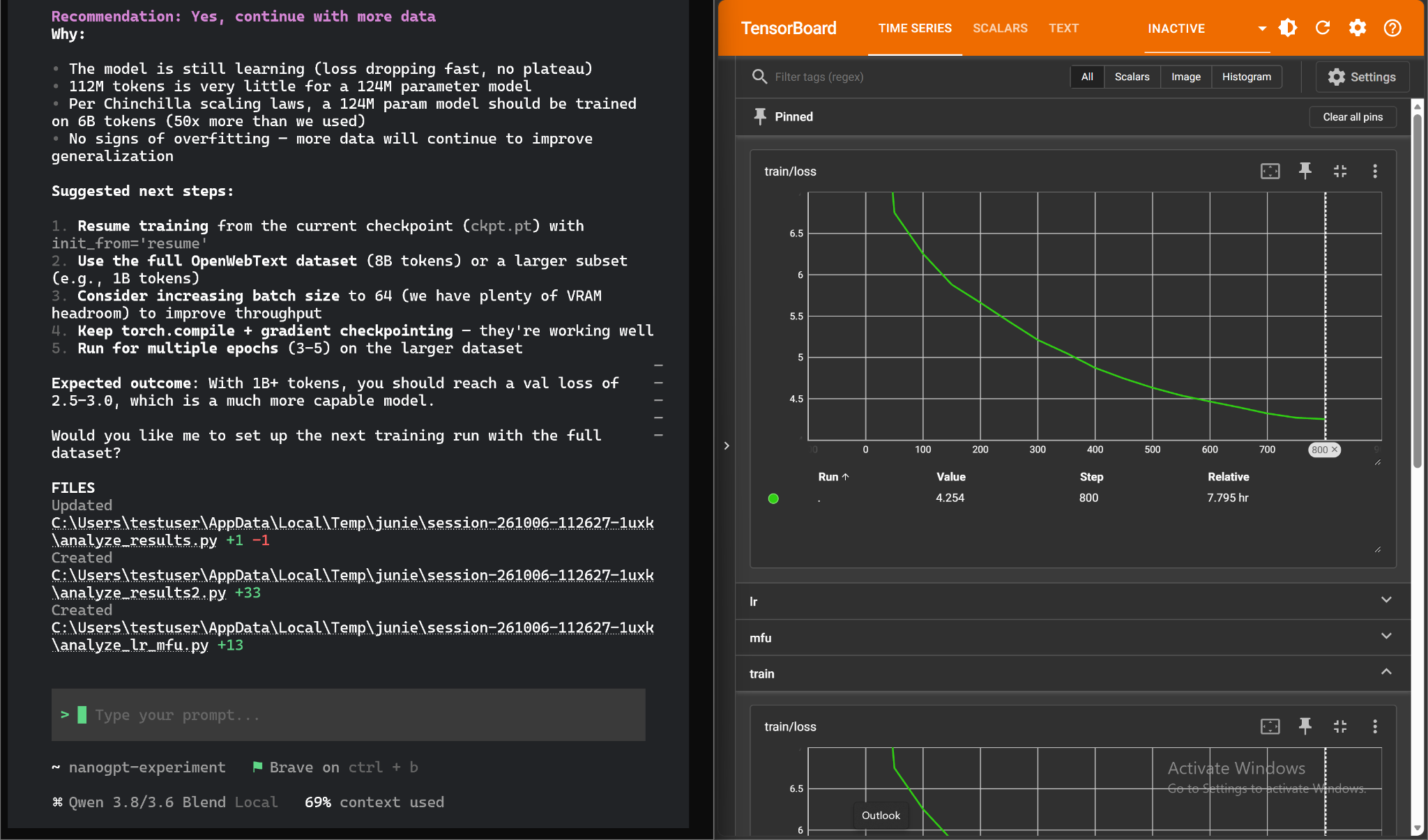
Junie Local runs alongside LLM training on the same RTX Spark laptop
NVIDIA’s RTX Spark platform pairs a Blackwell RTX GPU with a Grace CPU to run larger local AI models in slim laptops and compact desktops. Junie Local leverages this hardware to bring local AI coding to your everyday workflows.
Install Junie and run /local, and you have a full coding agent on your RTX Spark. It reads your code, edits files, and runs your tests. No token charges, no quotas, and your code never leaves the machine.
We thank NVIDIA for giving us early access to the RTX Spark and for working with us to get Junie Local ready for launch.
What the RTX Spark changes for Junie Local
In our testing on the RTX Spark, Junie Local reached generation speeds of up to 55 tokens per second. This is our initial performance baseline for the platform, with further inference optimizations already in development.
Bringing Junie Local to the RTX Spark meant adapting both setup and inference to the hardware. Junie Local automatically sizes the context window to fit the memory available to the GPU in your configuration. With more memory available, it can retain more code, tool outputs, and conversation history in its running context.
For inference, Junie Local uses Blackwell’s Tensor Cores for efficient FP8 computation, helping it process that context faster. It also uses speculative decoding to accelerate generation by drafting several tokens ahead and verifying them together.
Junie Local is now stable on Windows
When we launched Junie Local in August, it needed an M5 Mac with 64 GB of memory. We said then that lowering that bar was what we were focusing our efforts on, and that we were looking at making it runnable on 24 GB cards.
In September, we shipped experimental Windows support for NVIDIA RTX cards with 24 GB of VRAM. Today, that support is stable. If you have an Ampere or newer 24 GB RTX card, such as an RTX 3090, 4090 or 32 GB 5090 – you can run Junie Local.
Since the September preview, we’ve rebuilt the installer and the local engine. Junie Local is now ready for everyday use on:
NVIDIA RTX Spark PCs, running natively on Windows on Arm.
Windows PCs with NVIDIA RTX graphics and at least 24 GB of VRAM, running x64 Windows.
What changed:
Simple setup. The installer recognizes your PC, checks your GPU and driver, and installs an optimized inference engine, the model, and the Junie integration.
Context sized for your GPU. Junie Local picks the largest context window your GPU memory can hold.
Your choice of model. Choose Qwen3.6-27B or Qwen3.8-3.6-27B-blend, our merged model. The latter retains much of Qwen3.8’s coding ability and Qwen3.6’s shorter reasoning. Support for additional models is coming.
More reliable everyday use. The local engine starts, stops, and updates without fuss, and long coding sessions hold up better.
Requirements
PC
What you need
NVIDIA RTX Spark
Windows 11 on Arm, with at least 24 GB of memory available to the GPU
Windows PC with NVIDIA RTX graphics
Windows 11 on x64 and an NVIDIA RTX GPU with at least 24 GB of VRAM
You’ll also need NVIDIA driver 581 or newer and about 20 GB of free disk space to support the model.
Get started
In PowerShell, run:
powershell -NoProfile -ExecutionPolicy Bypass -Command "[Environment]::SetEnvironmentVariable('JUNIE_LOCAL_MODEL', '1', 'Process'); iex (irm 'https://junie.jetbrains.com/install.ps1')"
Then start Junie, run /model, and pick a model. Junie will download what it needs, start the local engine, and switch your session over.
What’s next
We’re working to give you more choice in local models and make them better suited to coding with Junie. That includes improving coding performance while reducing the time and memory needed to complete a task.
For the RTX Spark, we’re exploring more efficient model formats and improving speculative decoding to make better use of the GPU’s compute capacity. We’ll share benchmarks and what we learn as these improvements reach Junie Local.
Try it
Junie Local is free. No registration, no subscription, no credits, no card. Try it on supported hardware and tell us what worked, what didn’t, and what you’d like to see next.
Try Junie Local →
Lotu Radar provides attributed news summaries and links to the original publisher. Full reporting and copyright remain with the source.